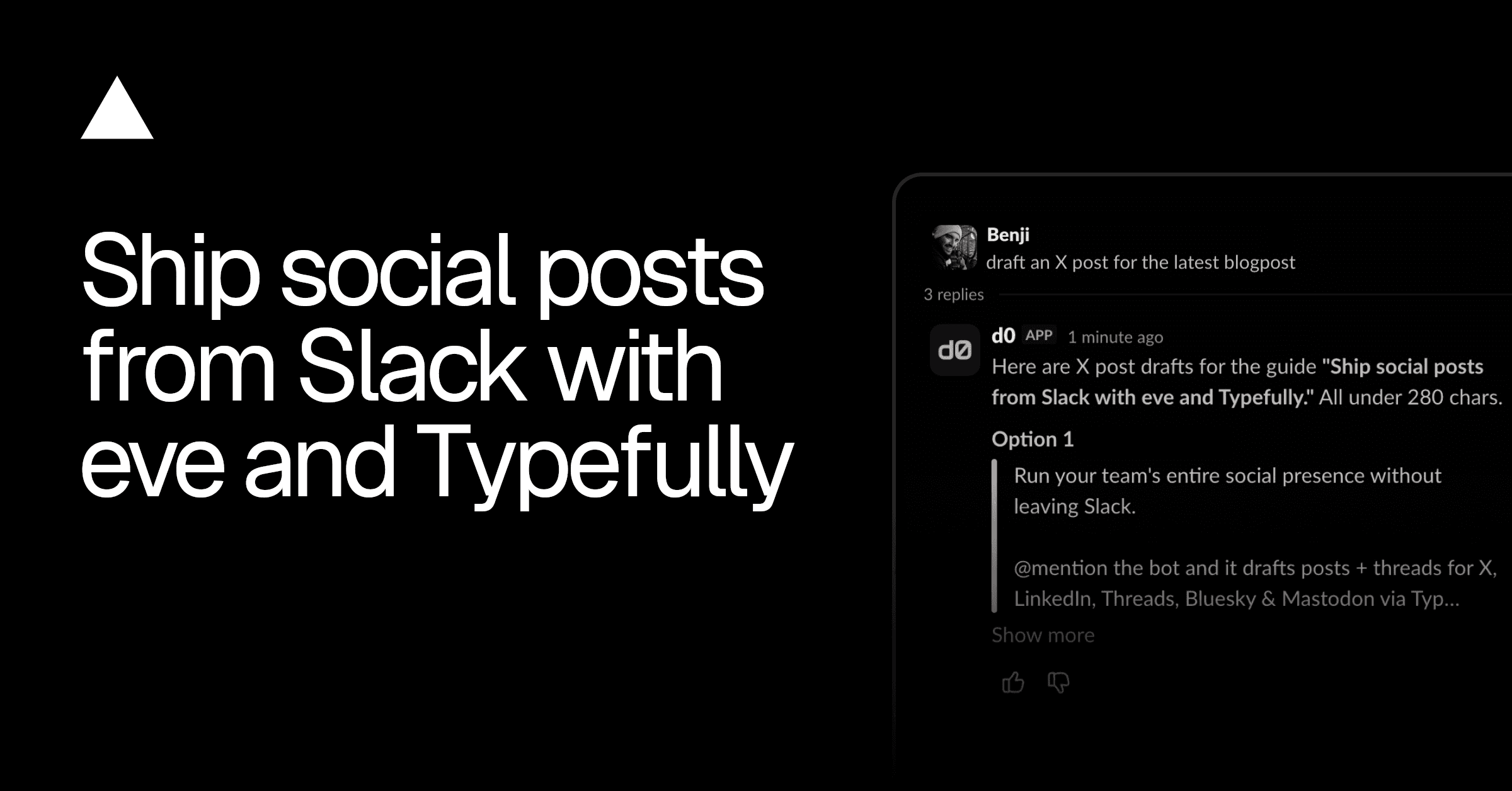
One announcement, five platforms, five different voices. The X thread needs a hook, the LinkedIn version needs room to breathe, and Mastodon punishes anything that smells like marketing. This template deploys a Slack agent that does the adaptation work for you. @mention it with a brief and it drafts platform-native versions into your Typefully queue for X, LinkedIn, Threads, Bluesky, and Mastodon, proposes publish times, and posts your analytics to Slack every Monday. Built on eve, Vercel's agent framework, and running on your Vercel account.
Why is this better than pasting into ChatGPT?
Because a chat window doesn't know your queue, your voice, or your limits. This agent does, in three ways:
It writes for the platform, not at it. Each of the five platforms gets its own style skill: conventions, hook patterns, thread structure, character limits, and a banned-words list. Before proposing any draft, the agent runs it through a deterministic lint tool against the target platform's list, so "game-changer" never reaches your feed no matter what the model felt like writing. The lists are JSON files you edit to match your voice.
It drafts freely but ships carefully. Creating and editing Typefully drafts is the agent's normal mode, no friction. Setting a publish time or deleting anything is different: those actions render as approval buttons in the Slack thread and wait for a human. The agent proposes a schedule; you click yes. Nothing goes live on the model's judgment alone.
It doesn't make things up. The agent reads your actual social sets, accounts, and existing drafts before touching anything, and refuses to invent handles, links, or statistics. When a post needs a fact it doesn't have, it hands the question to a built-in researcher subagent that searches the web in a clean session and returns findings with source URLs, or tells you what it couldn't verify. Final drafts pass a second fresh-context reviewer subagent before the agent proposes them.
What can your team ask it?
- "Turn the launch brief in Notion into an X thread and a LinkedIn post." It reads the brief, drafts a version per platform in that platform's voice, lints each, and proposes both in the thread.
- "Schedule the thread for Tuesday 9am ET." It sets
publish_atonly after you approve. - "What should we cut from the queue this week?" It lists your real drafts and reasons about them, because it can read the queue, not guess at it.
- "Write the long version as a blog draft." Long-form pieces go to Notion as pages, since a page is easier to review than 900 words in a Slack thread.
Preferences stick, too. Tell it "keep threads under 8 posts" or "always draft for the X and LinkedIn set" once and it saves that per user, privately, and applies it in every future session.
What does the Monday digest look like?
Every Monday the agent pulls follower and post analytics from Typefully and posts two tables to a Slack channel you pick: follower counts with changes, and per-post engagement with links to each post. It reports only what the API returns and skips the report rather than fabricating numbers when data is missing. The schedule is one cron file; change the day, time, or report format by editing it.
What do you have to configure?
One secret: your Typefully API key. Everything else is credential-free. Slack and Notion authenticate through Vercel Connect with per-user OAuth, and Vercel Blob and the AI Gateway authenticate with the project's OIDC token. The Deploy button provisions the Slack connector, the Notion connector, and the Blob store, and prompts for the API key. When it finishes, @mention the bot in Slack.
Working with an AI coding agent like Claude Code or Cursor? Point it at the setup guide and let it drive:
How do you make it yours?
Everything the agent does is a file, and it picks up edits automatically:
agent/instructions.mdholds the whole workflow in Markdown.- The five
*-styleskills carry each platform's voice and itsbanned-words.json. Edit them, or add a skill folder for a platform Typefully adds next. - The approval policy lives in
agent/connections/typefully.ts. Tighten it, loosen it, or gate new tools. agent/schedules/weekly-analytics.tscontrols the digest. In dev, trigger a run with onecurl.
Need blog posts, release notes, or newsletters in a house voice too? Deploy the eve Content Agent as its own project and register it as a remote subagent. This agent hands long-form work to it over an OIDC-authenticated call, with no shared secret between deployments.