Skip to content
VercelLogotypeVercelLogotype
LoginSign Up

AWS Neptune Analytics with Next.js API Routes

This example demonstrates a Next.js application uses AWS Neptune Analytics to create, update, and delete graph nodes and edges.

DeployView Demo
This is an auto-uploaded thumbnail from https://vercel.com/templates/submit.

Next.js + AWS Neptune Analytics

This is an example of a Next.js application using AWS Neptune Analytics for creating, reading, updating, and deleting graph nodes and edges with OpenCypher queries.

How to Use

Option 1: Use an existing Neptune Analytics graph.

Retrieve your existing graph ID and ensure proper AWS credentials are configured. Provide the graph ID after clicking "Deploy" to automatically set the environment variable.

Option 2: Create a new Neptune Analytics graph.

Execute create-next-app with pnpm to bootstrap the example:

pnpm create next-app --example https://github.com/vercel/examples/tree/main/solutions/aws-neptune-analytics
  1. Create a new IAM role that includes permissions neptune-graph:ReadDataViaQuery, neptune-graph:WriteDataViaQuery and neptune-graph:DeleteDataViaQuery
  2. Save the access key and secret key or configure AWS credentials (see AWS CLI configuration guide for details).
  3. Create a new Neptune Analytics graph on AWS console In the Neptune Analytics Console, create a new graph with public endpoint enabled and 16 NCUs to start.
  4. Save the graph ID from the Neptune Analytics console
  5. Create an .env.local file and add your graph ID:
    GRAPH_ID=your-graph-id-here
    Alternatively, you can set it directly in your terminal:
    export GRAPH_ID=your-graph-id-here
  6. Run pnpm dev to start the Next app at http://localhost:3000

Deploy it to the cloud with Vercel (Documentation).

Credentials and Environment Variables

AWS credentials (e.g. AWS_ACCESS_KEY_ID and AWS_SECRET_ACCESS_KEY) and region configuration (e.g. AWS_REGION) can be used directly as environment variables for Vercel deployments.

The AWS SDK will automatically pick up these credentials from the environment:

const client = new NeptuneGraphClient({})

API Endpoints

The application provides a RESTful API for graph node and edge operations:

Node Operations

  • GET /api/node?id={id} - Retrieve a node by ID
  • POST /api/node - Create a new node
  • PUT /api/node - Update an existing node
  • DELETE /api/node?id={id} - Delete a node and its relationships

Edge Operations

  • GET /api/edge?id={id} - Retrieve an edge by ID
  • POST /api/edge - Create a new edge
  • PUT /api/edge - Update an existing edge
  • DELETE /api/edge?id={id} - Delete an edge

Testing

Create Node (POST)

curl -X POST http://localhost:3000/api/node \
-d '{"id": "user-123", "name": "John Doe", "type": "user"}' \
-H "Content-type: application/json"

Get Node (GET)

curl "http://localhost:3000/api/node?id=user-123"

Update Node (PUT)

curl -X PUT http://localhost:3000/api/node \
-d '{"id": "user-123", "name": "John Smith", "type": "user", "active": true}' \
-H "Content-type: application/json"

Delete Node (DELETE)

curl -X DELETE "http://localhost:3000/api/node?id=user-123"

Create Edge (POST)

curl -X POST http://localhost:3000/api/edge \
-d '{"fromId": "user-123", "toId": "user-456", "type": "FOLLOWS"}' \
-H "Content-type: application/json"

Get Edge (GET)

curl "http://localhost:3000/api/edge?id=follows-001"

Update Edge (PUT)

curl -X PUT http://localhost:3000/api/edge \
-d '{"id": "follows-001", "since": "2024-01-15", "strength": "strong"}' \
-H "Content-type: application/json"

Delete Edge (DELETE)

curl -X DELETE "http://localhost:3000/api/edge?id=follows-001"
GitHub
Ownervercel
Repositoryexamples
Use Cases
Starter
Stack
Next.js
Tailwind
CSS

Related Templates

Next.js Boilerplate

Get started with Next.js and React in seconds.
Next.js Boilerplate thumbnail

Image Gallery Starter

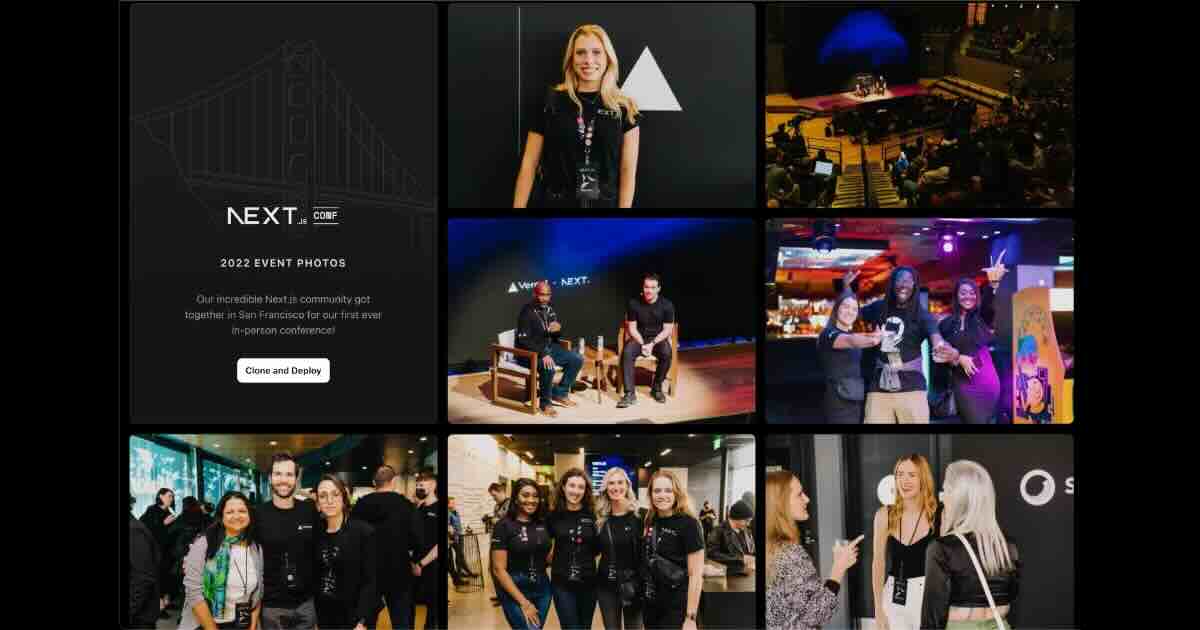
An image gallery built on Next.js and Vercel Blob.
Image Gallery Starter thumbnail

Chatbot

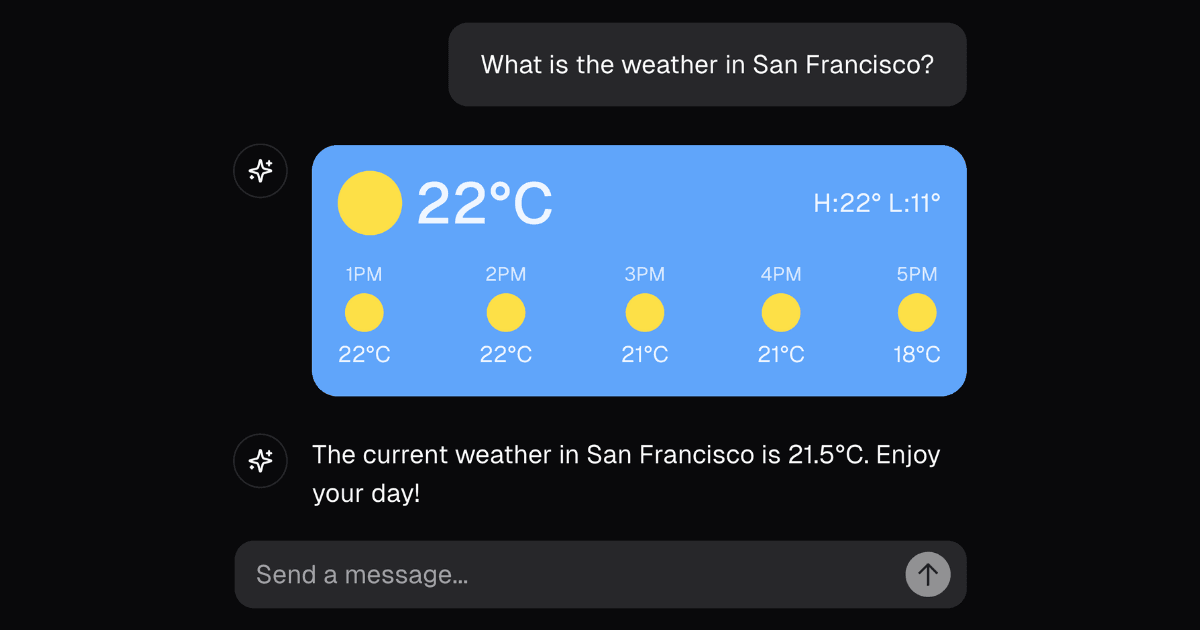
A full-featured, hackable Next.js AI chatbot built by Vercel
Chatbot thumbnail

Agent Stack

  • AI SDK
  • AI Gateway
  • Sandbox
  • Workflows
  • EveNew
  • ConnectNew

Core Platform

  • CI/CD
  • Content Delivery
  • Fluid Compute
  • Observability

Security

  • Platform Security
  • WAF
  • Bot Management
  • Bot ID

Tools

  • Vercel DropNew
  • Vercel Agent
  • Vercel PluginNew
  • Next.js
  • Domains
  • v0

Frameworks

  • Nuxt
  • SvelteKit
  • Nitro
  • Turborepo
  • Tanstack Start
  • FastAPI
  • xmcp
  • All frameworks

SDKs

  • Vercel SDK
  • Workflow SDKNew
  • Flags SDK
  • Chat SDKNew
  • Queues SDKNew
  • Streamdown

Build

  • AI Apps
  • Web Apps
  • Marketing Sites
  • Platforms
  • Commerce
  • Platform Engineers
  • Design Engineers

Learn

  • Docs
  • Blog
  • Changelog
  • Knowledge Base
  • Academy
  • Articles
  • Community

Explore

  • Customers
  • Marketplace
  • Templates
  • Partner Finder
  • Vercel + AWS

Company

  • About
  • Careers
  • Press
  • Events
  • Startups
  • Shipped on Vercel
  • Open Source Program
  • Enterprise
  • Pricing
  • Help

Legal & Trust

  • Privacy Policy
  • Terms of Service
  • Cookie Policy
  • DPA
  • Acceptable Use Policy
  • Legal (all documents)
  • Trust Center
  • Status

Social

  • GitHub
  • X
  • LinkedIn
  • YouTube
  • Instagram
  • VercelVercel
Agent Stack
  • AI SDK
  • AI Gateway
  • Sandbox
  • Workflows
  • Eve
Core Platform
  • Security
  • Content Delivery
  • Fluid Compute
  • Observability
  • CI/CD
Tools
  • Next.js
  • Vercel Agent
  • Vercel Plugin
  • Domains
  • v0
Learn
  • Docs
  • About
  • Blog
  • Changelog
  • Knowledge Base
Build
  • AI Apps
  • Web Apps
  • Marketing Sites
  • Platforms
  • Commerce
Explore
  • Customers
  • Marketplace
  • Partner Finder
  • AWS
  • Community
EnterprisePricing
Contact
Log InSign Up
Dashboard

Products

Agent Stack

  • AI SDK
  • AI Gateway
  • Sandbox
  • Workflows
  • Eve

Core Platform

  • Security
  • Content Delivery
  • Fluid Compute
  • Observability
  • CI/CD

Tools

  • Next.js
  • Vercel Agent
  • Vercel Plugin
  • Domains
  • v0
Resources

Learn

  • Docs
  • About
  • Blog
  • Changelog
  • Knowledge Base

Build

  • AI Apps
  • Web Apps
  • Marketing Sites
  • Platforms
  • Commerce

Explore

  • Customers
  • Marketplace
  • Partner Finder
  • AWS
  • Community
Enterprise
Pricing
Sign UpLog In
Contact
DeployView Demo

Loading status…

Select a display theme: