


Deploy MCP servers to Vercel
Deploy your Model Context Protocol (MCP) servers on Vercel to take advantage of features like Vercel Functions, OAuth, and efficient scaling for AI applications.
- Get started with deploying MCP servers on Vercel
- Learn how to enable authorization to secure your MCP server
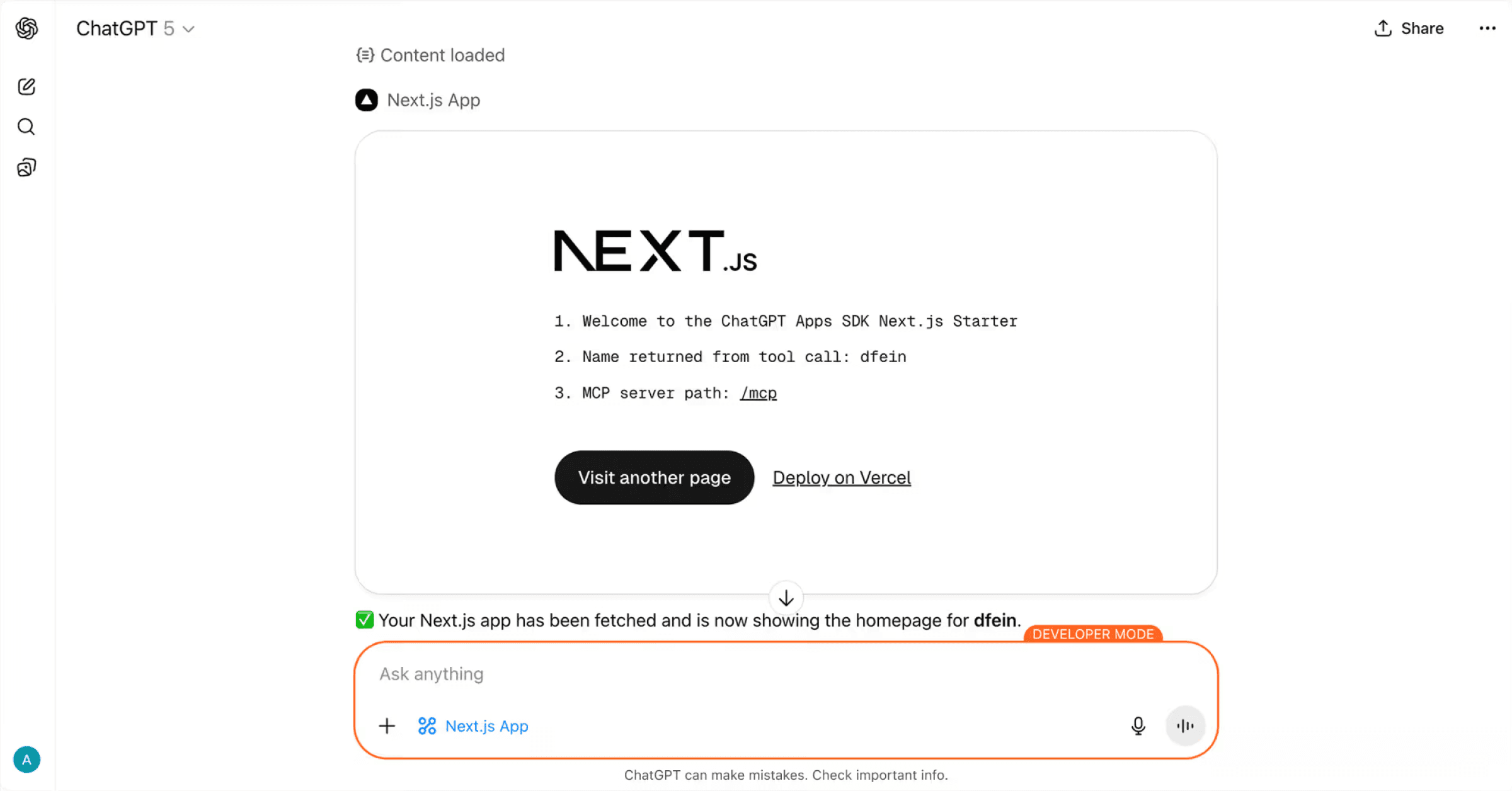
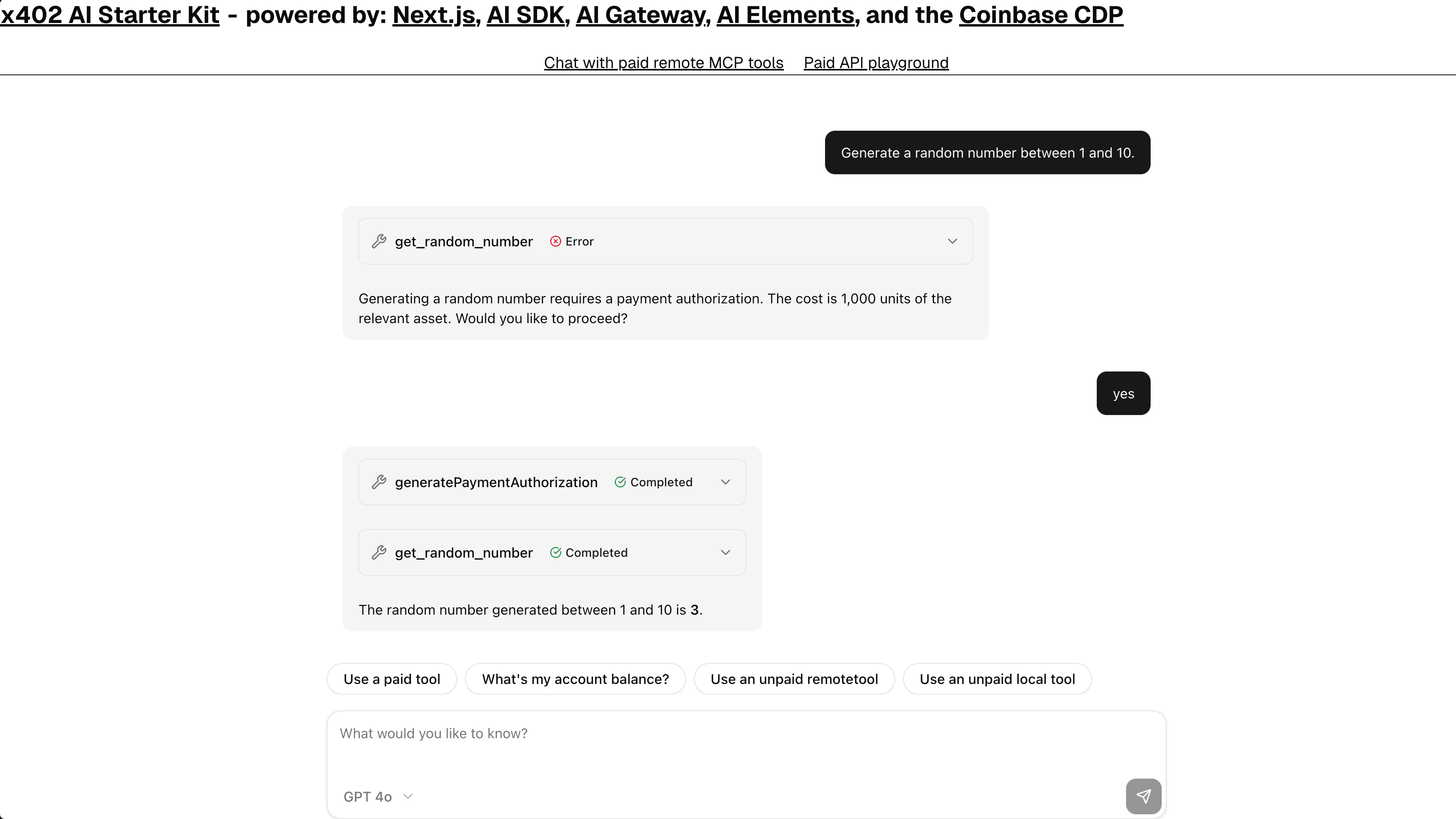
Vercel provides the following features for production MCP deployments:
- Optimized cost and performance: Vercel Functions with Fluid compute handle MCP servers' irregular usage patterns (long idle times, quick message bursts, heavy AI workloads) through optimized concurrency, dynamic scaling, and instance sharing. You only pay for compute resources you actually use with minimal idle time.
- Instant Rollback: Quickly revert to previous production deployments if issues arise with your MCP server.
- Preview deployments with Deployment Protection: Secure your preview MCP servers and test changes safely before production
- Vercel Firewall: Protect your MCP servers from malicious attacks and unauthorized access with multi-layered security
- Rolling Releases: Gradually roll out new MCP server deployments to a fraction of users before promoting to everyone
Use the mcp-handler package and create the following API route to host an MCP server that provides a single tool that rolls a dice.
import { z } from 'zod';
import { createMcpHandler } from 'mcp-handler';

const handler = createMcpHandler(
  (server) => {
    server.tool(
      'roll_dice',
      'Rolls an N-sided die',
      { sides: z.number().int().min(2) },
      async ({ sides }) => {
        const value = 1 + Math.floor(Math.random() * sides);
        return {
          content: [{ type: 'text', text: `🎲 You rolled a ${value}!` }],
        };
      },
    );
  },
  {},
  { basePath: '/api' },
);

export { handler as GET, handler as POST, handler as DELETE };This assumes that your MCP server application, with the above-mentioned API route, runs locally at http://localhost:3000.
- Run the MCP inspector:
pnpm dlx @modelcontextprotocol/inspector@latest http://localhost:3000 undefined- Open the inspector interface:
- Browse to
http://127.0.0.1:6274where the inspector runs by default
- Browse to
- Connect to your MCP server:
- Select Streamable HTTP in the drop-down on the left
- In the URL field, use
http://localhost:3000/api/mcp - Expand Configuration
- In the Proxy Session Token field, paste the token from the terminal where your MCP server is running
- Click Connect
- Test the tools:
- Click List Tools under Tools
- Click on the
roll_dicetool - Test it through the available options on the right of the tools section
When you deploy your application on Vercel, you will get a URL such as https://my-mcp-server.vercel.app.
Using Cursor, add the URL of your MCP server to the configuration file in Streamable HTTP transport format.
{
  "mcpServers": {
    "server-name": {
      "url": "https://my-mcp-server.vercel.app/api/mcp"
    }
  }
}
You can now use your MCP roll dice tool in Cursor's AI chat or any other MCP client.
The mcp-handler provides built-in OAuth support to secure your MCP server.
This ensures that only authorized clients with valid tokens can access your tools.
To add OAuth authorization to the MCP server you created in the previous section:
- Use the
withMcpAuthfunction to wrap your MCP handler - Implement token verification logic
- Configure required scopes and metadata path
import { withMcpAuth } from 'mcp-handler';
import { AuthInfo } from '@modelcontextprotocol/sdk/server/auth/types.js';

const handler = createMcpHandler(/* ... same configuration as above ... */);

const verifyToken = async (
  req: Request,
  bearerToken?: string,
): Promise<AuthInfo | undefined> => {
  if (!bearerToken) return undefined;

  const isValid = bearerToken === '123';
  if (!isValid) return undefined;

  return {
    token: bearerToken,
    scopes: ['read:stuff'],
    clientId: 'user123',
    extra: {
      userId: '123',
    },
  };
};

const authHandler = withMcpAuth(handler, verifyToken, {
  required: true,
  requiredScopes: ['read:stuff'],
  resourceMetadataPath: '/.well-known/oauth-protected-resource',
});

export { authHandler as GET, authHandler as POST };To comply with the MCP specification, your server must expose a metadata endpoint that provides OAuth configuration details. Among other things, this endpoint allows MCP clients to discover, how to authorize with your server, which authorization servers can issue valid tokens, and what scopes are supported.
- In your
app/directory, create a.well-knownfolder. - Inside this directory, create a subdirectory called
oauth-protected-resource. - In this subdirectory, create a
route.tsfile with the following code for that specific route. - Replace the
https://example-authorization-server-issuer.comURL with your own Authorization Server (AS) Issuer URL.
import {
  protectedResourceHandler,
  metadataCorsOptionsRequestHandler,
} from 'mcp-handler';

const handler = protectedResourceHandler({
  authServerUrls: ['https://example-authorization-server-issuer.com'],
});

const corsHandler = metadataCorsOptionsRequestHandler();

export { handler as GET, corsHandler as OPTIONS };
To view the full list of values available to be returned in the OAuth Protected Resource Metadata JSON, see the protected resource metadata RFC.
MCP clients that are compliant with the latest version of the MCP spec can now securely connect and invoke tools defined in your MCP server, when provided with a valid OAuth token.
Learn how to deploy MCP servers on Vercel, connect to them using the AI SDK, and explore curated lists of public MCP servers.
- Deploy an MCP server with Next.js on Vercel
- Deploy an MCP server with Vercel Functions
- Deploy an xmcp server
- Learn about MCP server support on Vercel
- Use the AI SDK to initialize an MCP client on your MCP host to connect to an MCP server
- Use the AI SDK to call tools that an MCP server provides
- Explore the list from MCP servers repository
- Explore the list from awesome MCP servers
Was this helpful?